Features · 35 capabilities
Everything the product does — and how to do it
The full toolset, grouped the way you work: measure, build the bill, issue the documents, export, and keep projects tidy. Pick any tool to see it and how it works.
Quantity takeoff10
Bill of quantities6
Commercial documents9
Export & delivery5
Project & data5
costtakeoff · takeoff
Quantity takeoff
Area, linear & count measurement
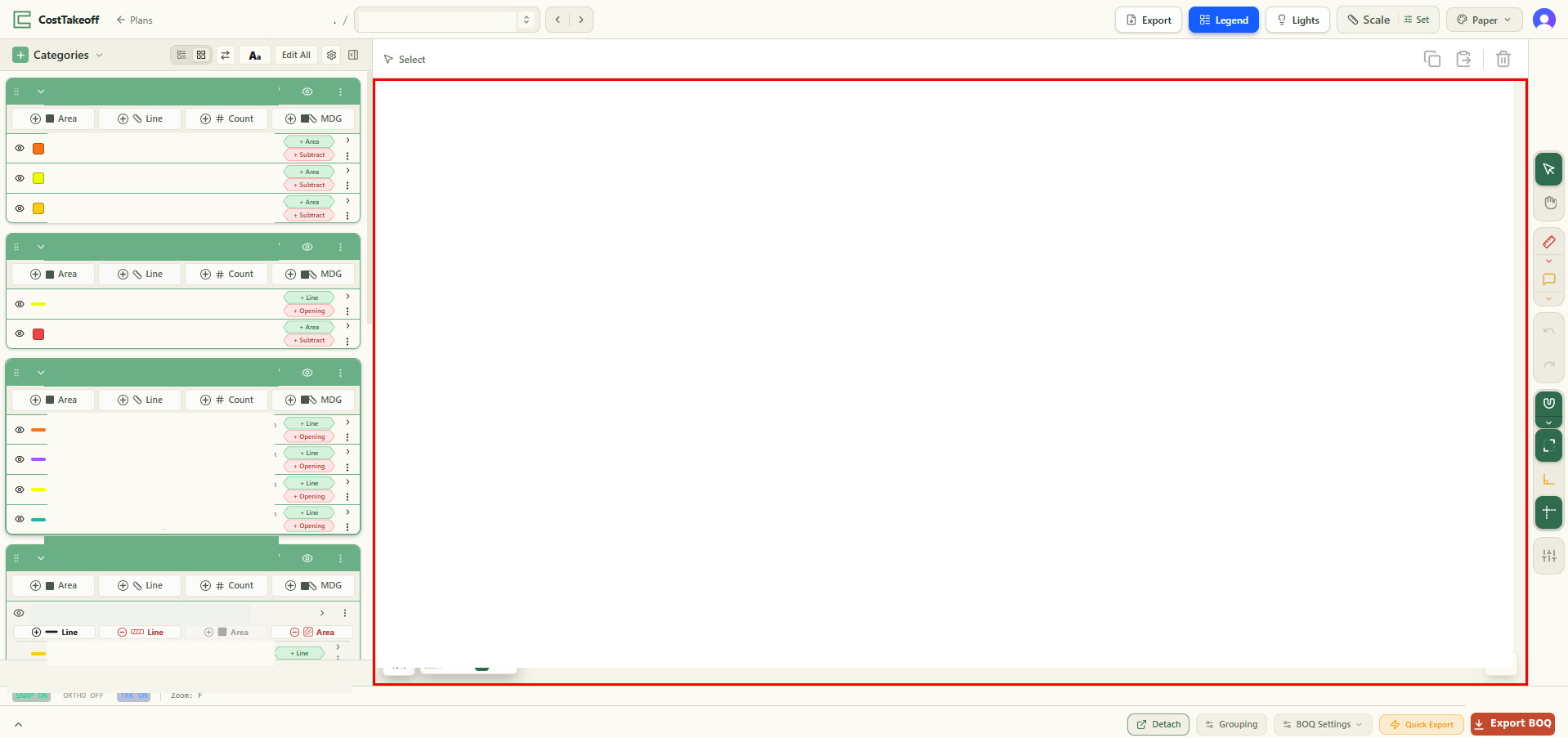
Measure areas, lengths and counts straight off your PDF drawings — the three quantities every takeoff comes down to. You trace each element on the sheet and its quantity appears live on a labelled measurement in the category's colour, as m², m or nr, so the number and the mark on the drawing always agree. Nothing is scaled off by hand, so there is no separate arithmetic to check.
How it works
- Open a drawing and pick the measurement type (area, line or count).
- Click points on the sheet to trace the element.
- The quantity appears on a labelled measurement, in the group's colour.
All 35 on every plan. Nothing here is locked behind a higher tier — plans differ by branding and storage. See pricing →